
When we work on websites, a CMS upgrade is usually not something the person using the website notices right away.
From the outside, everything may look exactly the same. The pages still open, the forms still work, the content is still there, and nobody visiting the website necessarily knows that a major technical change has just taken place.
Behind the scenes, however, there can be quite a lot of work involved.
With Drupal 11, and particularly with the newer 11.4 releases, there have been improvements to performance, security, and the technologies Drupal is built on. These are not necessarily things you can see on the screen, but they can make a real difference to how a website performs and how easy it is to maintain over time.
From my perspective, though, the most important question isn’t simply:
“What’s new in Drupal 11?”
The more useful question is:
“What does Drupal 11 actually mean for the website we already have?”
And that is where things get a little more interesting.
Why upgrade Drupal in the first place?
The simplest answer is that technology doesn’t stand still.
Like any other software platform, Drupal gets new versions, security fixes, improvements, and changes to the technologies it depends on. If a website was built a few years ago and has been working perfectly well ever since, that doesn’t necessarily mean the technology behind it is still in a good place.
Drupal 11.4.x currently has security coverage through June 2027, while Drupal 11.4.7, released in September 2026, is a security release.
Security is obviously an important reason to keep a website up to date, but it isn’t the only one.
What I find particularly interesting about Drupal 11 are some of the changes happening “under the hood” — the things a website visitor will probably never notice, but which can have a meaningful impact on how efficiently the website works and how much effort is required to maintain it.
What does better performance actually mean?
“Improved performance” is one of those phrases we hear all the time in technology, and unless you work with websites every day, it can be difficult to know what it actually means in practice.
A simple way to look at it is this: every time someone opens a page, the website has to perform a whole series of small operations before that page can be displayed. It has to retrieve information from the database, check the cache, load the necessary fields and components, and put everything together.
The less unnecessary work the system has to do, the more efficiently it can respond.
This is one of the areas where Drupal 11.4 has made some significant improvements.
According to the Drupal project, when working with a completely cold cache, Drupal 11.4 can perform just over one-third of the database and cache lookups required by Drupal 11.0 or Drupal 10.6 for the same requests.
Drupal 11.4 also has around half as many database queries as Drupal 11.3 across a wide range of requests, largely because of improvements in how entity fields are loaded.
For a development team, those numbers are interesting because they tell us what is happening at the application level.
For a website owner, the simpler explanation is that Drupal has become more efficient at doing the work required to serve the website.
That can be particularly useful for larger websites with a lot of content or more complicated data structures.
There is, however, an important caveat here: upgrading Drupal on its own isn’t going to magically make every website fast.
If the server is underpowered, images are unnecessarily large, caching isn’t configured properly, or the website relies on a lot of custom code and external services, those things will continue to affect performance regardless of the Drupal version.
An upgrade is one piece of the puzzle, not the whole puzzle.
And what about PHP?
This is something we often have to explain when talking to clients about a larger Drupal upgrade.
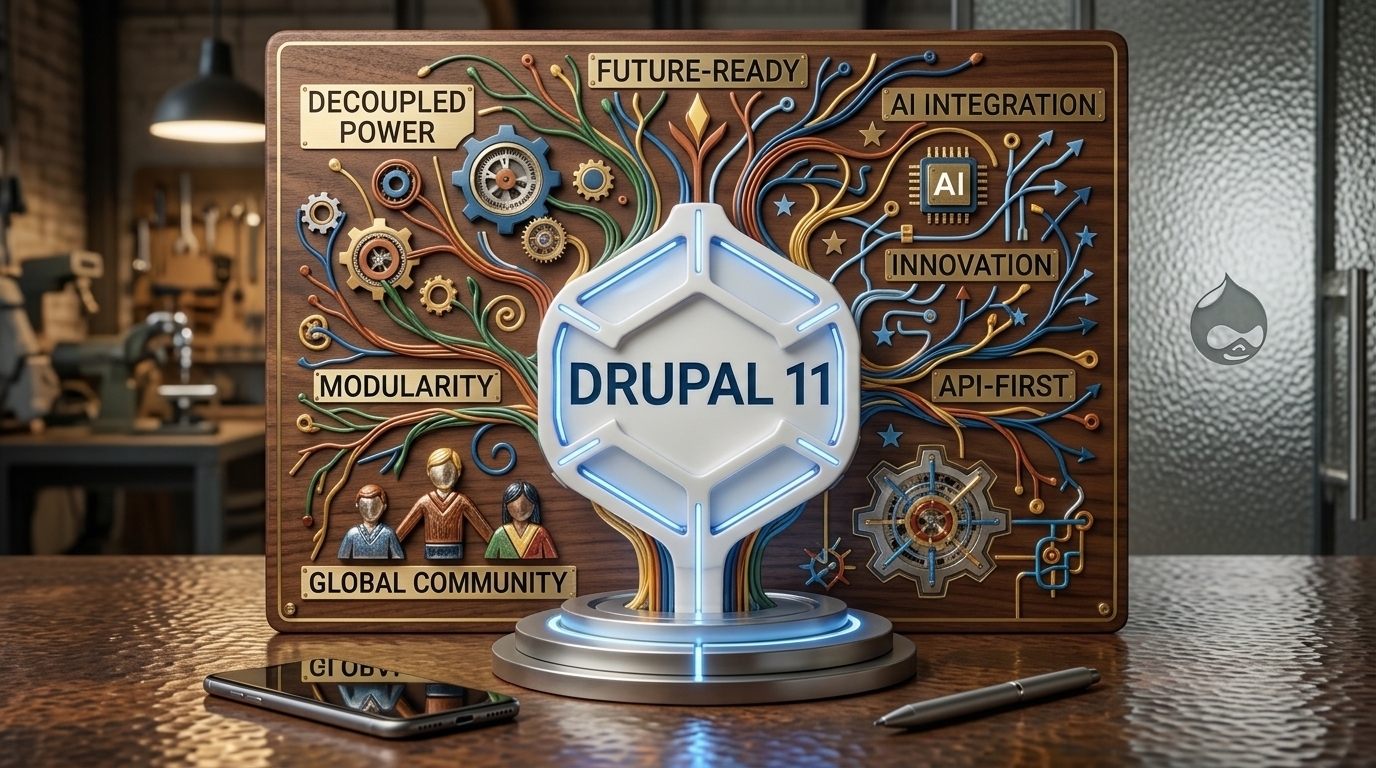
Drupal 11 requires PHP 8.3 or later.
If you’re not a technical person, that probably doesn’t tell you very much, and that’s perfectly understandable.
The easiest way to think about PHP is as one of the core technologies working behind the scenes that allows Drupal to run. You don’t normally see it, but the website depends on it.
So when we’re upgrading Drupal, we’re sometimes also dealing with the server environment where the website is hosted.
If that server is running an older version of PHP, it may need to be upgraded as part of the project.
At first, that can sound like extra work, and it is, but I also see it as a useful opportunity to check whether the infrastructure supporting the website is still modern, supported, and secure.
The biggest misconception: “We’ll just update Drupal”
This is probably one of the most important things I would want any Drupal website owner to understand before starting an upgrade.
A Drupal upgrade isn’t simply:
Drupal 10 → Drupal 11
A real website usually has quite a lot more going on behind the scenes.
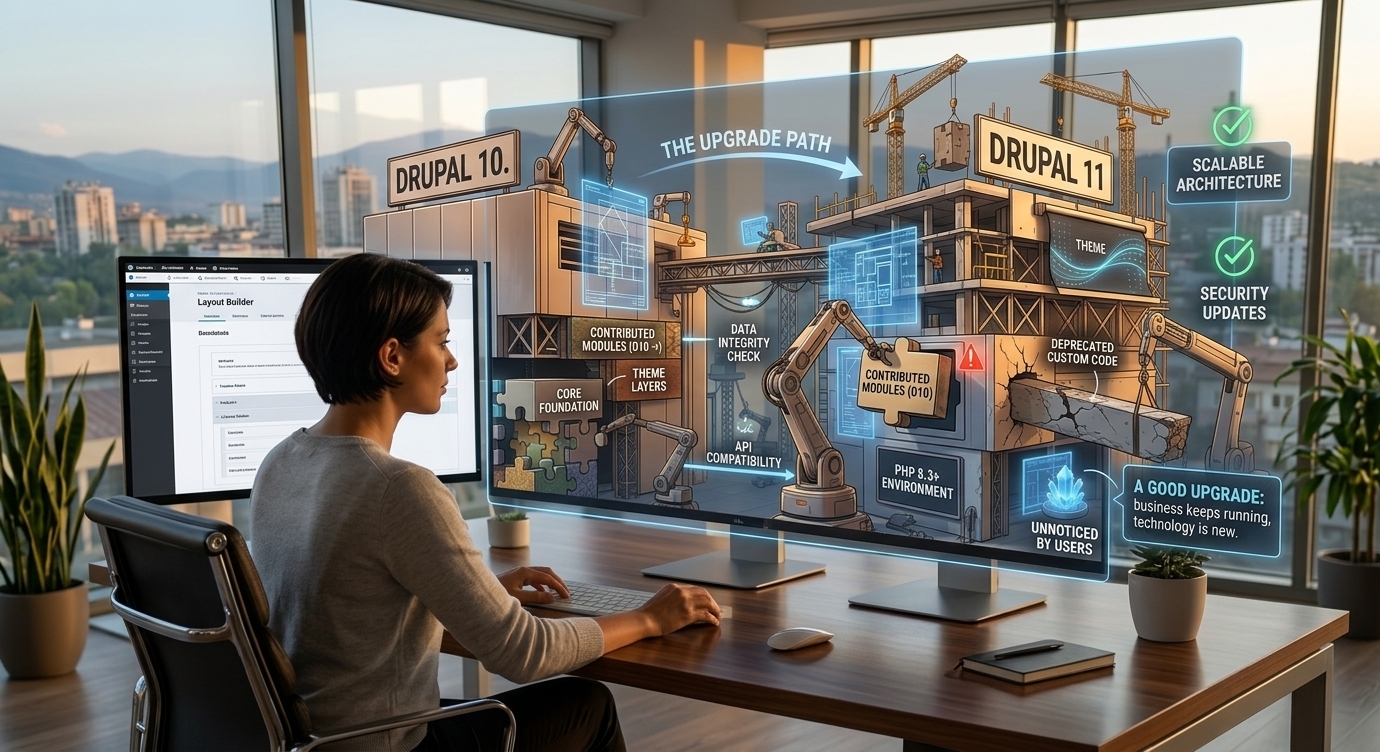
There is Drupal core, contributed modules, custom modules, the theme, Composer dependencies, integrations with other systems, the database, PHP, server configuration, and often a number of smaller pieces that have been added over the years.
All of those things have to continue working together after the upgrade.
For example, you might have a module that worked perfectly well with Drupal 10 but doesn’t yet have a version that is compatible with Drupal 11.
Or there might be a custom module that was written several years ago and still uses an approach or API that Drupal no longer recommends.
From the outside, the website may look fairly simple.
Technically, it can be much more complicated than it appears.
That’s why the upgrade starts before the upgrade
One of the things I would recommend doing first is taking a proper look at the website as it exists today.
Before touching the production environment, we want to know which Drupal version we’re currently running, which modules are installed, whether those modules support Drupal 11, how much custom code exists, which PHP version the server is using, what external integrations are connected to the website, and which parts of the website are actually critical to the business.
Drupal provides tools such as Upgrade Status that can help with this kind of assessment. Drupal Rector can also help developers update parts of existing custom code that rely on deprecated APIs.
These tools aren’t going to do the entire job for the developer, but they can make it much easier to identify potential problems early.
And that’s really the point.
It is much better to discover that something isn’t compatible while we’re working on a staging environment than to discover it after the upgrade has already been deployed to the live website.
What can go wrong?
The problems we run into during upgrades aren’t always dramatic.
Sometimes it’s a relatively small module that is no longer supported.
Sometimes it’s a piece of custom functionality that was written five or six years ago and hasn’t been touched since.
Sometimes the issue is a Composer dependency.
And sometimes the problem is simply that the server is still running an older version of PHP.
In many cases, the problem isn’t really Drupal itself.
It’s something that has been built around Drupal over the years.
That’s also why a well-maintained website is generally much easier to upgrade than one that hasn’t been touched for several years. When regular maintenance stops, small technical decisions and temporary workarounds have a tendency to accumulate, and eventually someone has to deal with all of them at once.
What if the website is already old?
This is where the upgrade can become a somewhat bigger project.
That doesn’t necessarily mean it’s a bad thing.
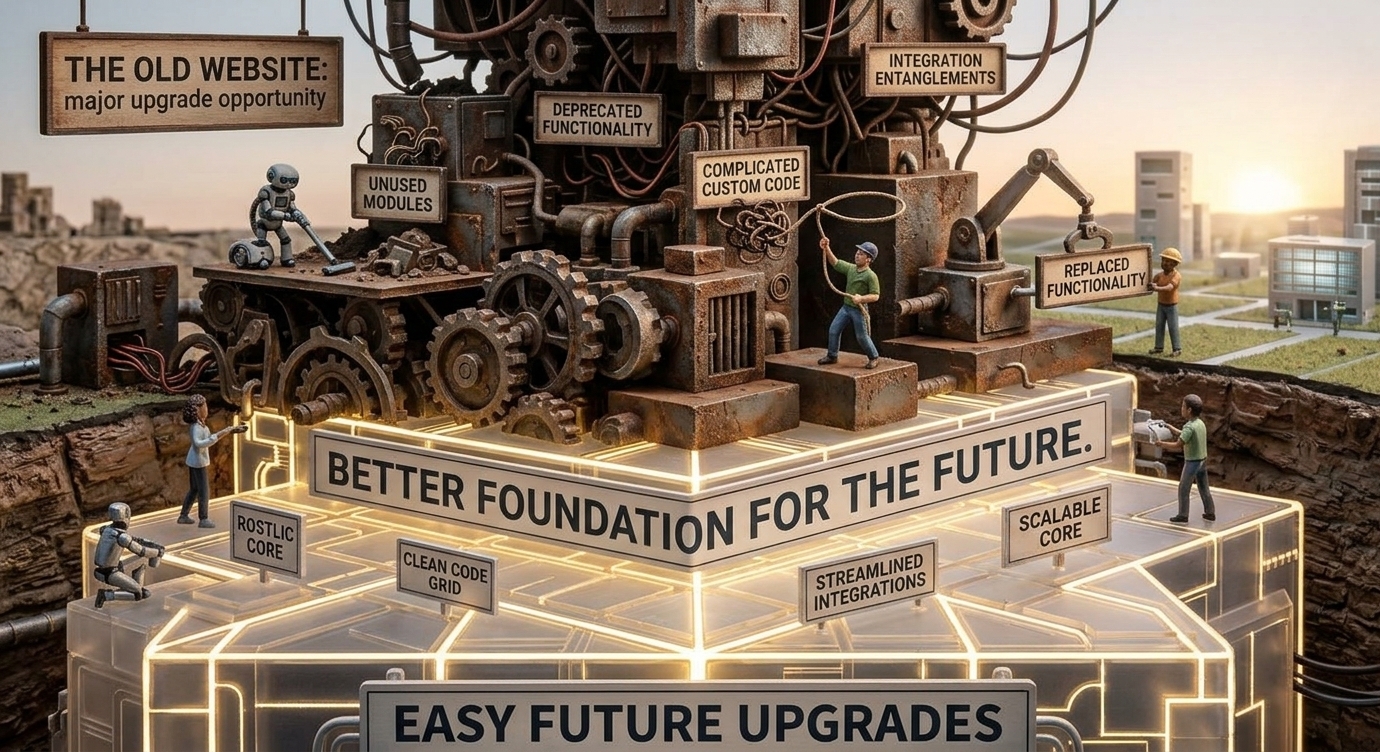
In fact, I often think a major upgrade can be a good opportunity to do a bit of housekeeping that probably should have happened earlier.
It may be a chance to remove modules that are no longer being used, replace outdated functionality, clean up custom code, review integrations, and address performance issues that have been sitting in the background for a while.
Most importantly, it gives us an opportunity to build a better foundation for the next few years.
From my perspective, that’s one of the biggest benefits of a larger upgrade.
We’re not just getting a newer version of Drupal.
We’re also getting the opportunity to make the website easier to understand, easier to maintain, and hopefully easier to upgrade the next time around.
Why you shouldn’t perform the upgrade directly on the live website
If I had to give one very simple piece of advice, it would be this:
Don’t experiment in production.
Before an upgrade reaches the live website, there should ideally be a development or staging environment where the process can be performed and tested first.
That’s where we can find out what works, what doesn’t, and what needs to be changed without putting the live website at risk.
And testing shouldn’t stop at opening the homepage and saying, “Everything looks fine.”
We should check the things people actually use: forms, login, user permissions, search, content creation and editing, media, menus, emails, API integrations, and anything else that is important to the particular business.
If the website is an e-commerce site, then the entire purchasing process needs to be tested as well.
The goal is quite simple:
When someone visits the website after the upgrade, they shouldn’t have to know that a major technical change has happened.
Everything that matters to them should continue to work normally.
Is moving to Drupal 11 worth it?
From a technical perspective, this isn’t really a question that can be answered with a simple yes or no.
It depends on the website.
If we’re dealing with a relatively recent Drupal 10 project, regularly maintained modules, and well-structured custom code, the upgrade can be fairly straightforward.
If, on the other hand, the website hasn’t been updated for several years and contains a lot of custom functionality, the first step should probably be an assessment rather than immediately starting the upgrade.
And that’s completely normal.
Every website has its own history, and that history affects how complicated an upgrade will be.
In the end, the most important thing is to understand what we have before we start changing it.
The biggest benefit may not actually be Drupal 11
The biggest benefit of regular maintenance isn’t simply having the newest version of Drupal.
If I had to pick one lesson from the whole process, it would probably be this:
The real benefit is preventing problems from piling up.
When Drupal core and contributed modules are kept reasonably up to date, custom code is reviewed from time to time, and major upgrades are planned before they become urgent, the next upgrade is usually much easier to deal with.
Instead of facing one enormous project every few years, you’re making a series of smaller, more manageable changes along the way.
That may not sound particularly exciting, but from a technical perspective, it makes a big difference.
What would I check before a Drupal 11 upgrade?
Before starting any upgrade, I would want to have a clear picture of the website.
Not just the Drupal version, but everything around it.
Which modules are installed, and which of them are actually still needed?
Which ones have Drupal 11-compatible releases?
How much custom code is there, and how old is it?
Which integrations are business-critical?
What does the current server infrastructure look like?
And perhaps most importantly, what does the business actually rely on the website to do?
Once we have those answers, it becomes much easier to understand the size of the project, identify the areas that could cause problems, and make a realistic estimate of the time and effort involved.
That initial work may not be the most visible part of an upgrade, but it can save a lot of time later.
Final thoughts
I don’t think Drupal 11 should be viewed simply as another number in the version history.
It’s the next step in the platform’s development, and for an existing website, it’s also a good opportunity to take a step back and ask whether the website itself is ready for the next few years.
There are performance improvements, newer PHP requirements, ongoing security support, and continued development of the platform, all of which are good reasons to keep moving forward.
But if there’s one thing I would emphasize, it’s this:
Don’t wait until the upgrade becomes urgent.
Plan it early, understand what you’re working with, check the dependencies, test the process properly, and give yourself enough time to deal with the things you find along the way.
In my experience, the best upgrades are usually the ones users barely notice.
The website simply keeps working. The business keeps running. And behind the scenes, the technology is newer, more secure, and easier to maintain than it was before.
That’s really what a good upgrade should achieve.
Written by:
Igor Kostadinoski, Software Engineer at X Gate
Milena Anchova, Software Engineer at X Gate